







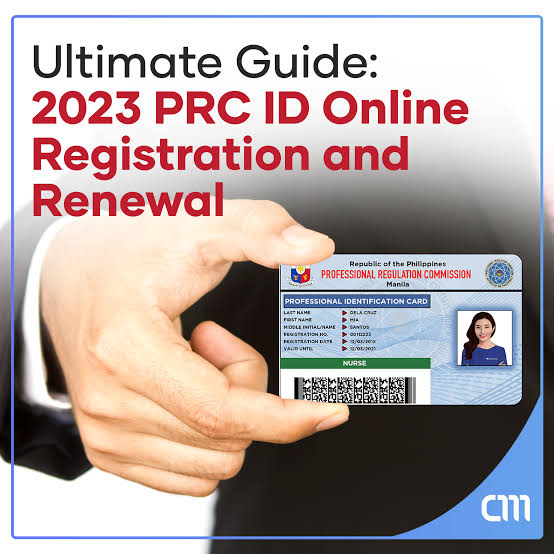
Renewing your Professional Identification Card (PIC) no longer means lining up at a PRC office at dawn. Through the Licensure Examination and Registration Information System (LERIS), registered professionals can complete almost the entire renewal process online — from application to payment — and only visit a PRC branch to claim the physical card. Here’s exactly how the process works in 2026, what documents you need, and where professionals usually get stuck.
What Is PRC ID Renewal and Who Needs It?
Under the CPD Act of 2016 (Republic Act No. 10912), licensed professionals in the Philippines must renew their Professional Identification Card every three years to keep practicing legally. Your renewal window opens the day after your ID’s expiry date from the prior cycle and stays open until the new expiry date one year later, tied to your birth month.
Missing this window doesn’t cancel your license outright, but it does trigger surcharges, and letting it lapse for a full three-year cycle can mean paying back-fees for the delinquent period. Renewing early, inside your open window, avoids both problems.
PRC ID Renewal Requirements
Before starting your LERIS application, prepare the following:
- Expiring or expired PRC ID (original, for reference)
- Continuing Professional Development (CPD) units — most professions currently require 15 units, though this threshold is tied to PRC’s transition roadmap and is scheduled to increase later in 2026
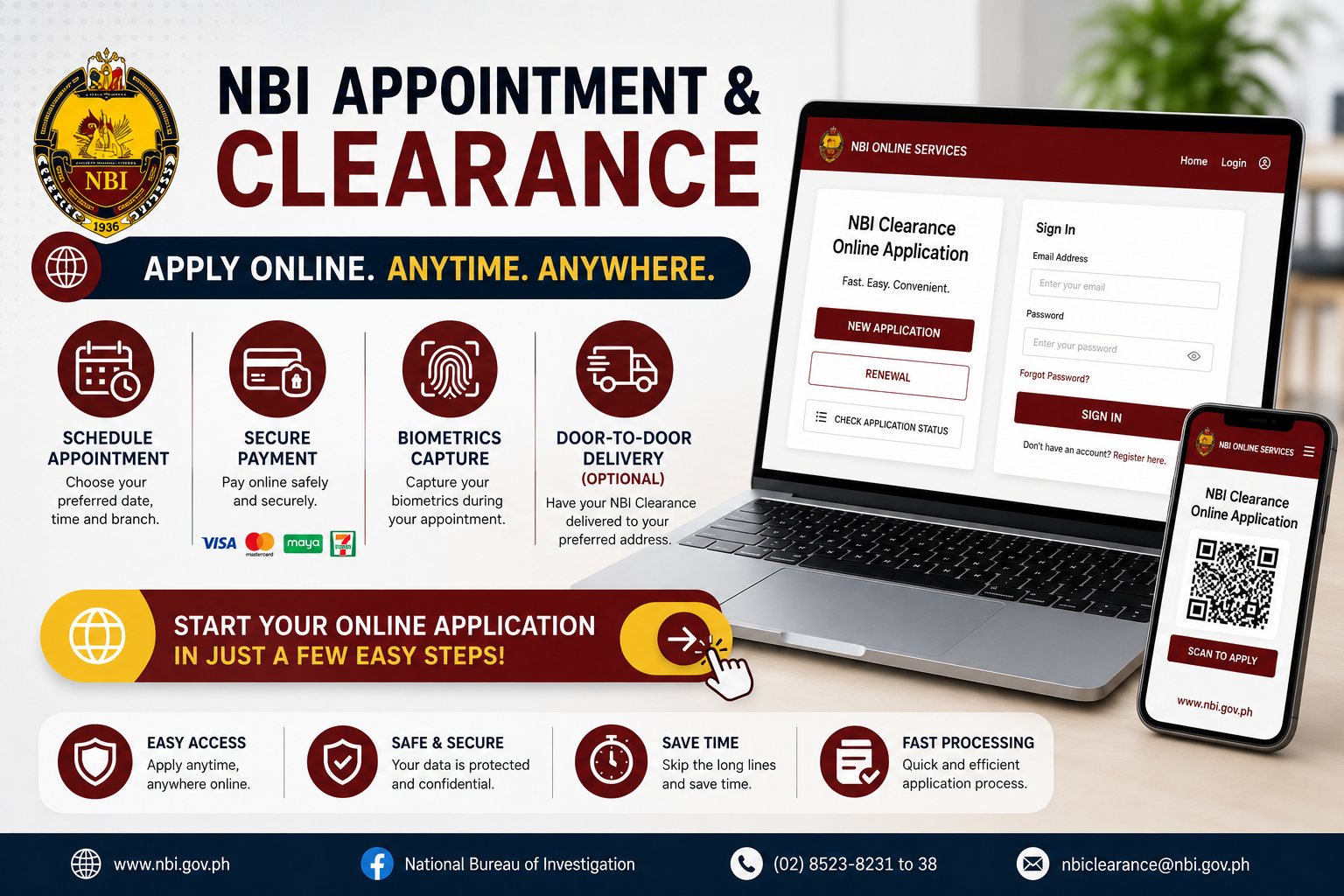
- A valid government-issued ID, such as a passport, UMID, driver’s license, or NBI Clearance, since PRC offices frequently ask for a secondary ID at the claiming stage
- A recent 2×2 photo with a white background, taken within the last six months, no eyeglasses or shadows
- An active email address for your LERIS account and appointment confirmations
Professionals who haven’t completed their CPD units yet aren’t automatically blocked. PRC currently allows an Undertaking, where you sign a commitment to complete the remaining units within the next compliance period.
How to Renew Your PRC ID Online via LERIS
Step 1: Log in to your LERIS account. Go to the official PRC LERIS portal. If you don’t have an account yet, register using your license number and a valid email address before proceeding.
Step 2: Select “Renewal of Professional Identification Card.” On your dashboard, choose the renewal transaction rather than “Application for New PRC ID,” which is only for first-time examinees.
Step 3: Fill out your personal and professional details. Double-check your name, license number, and CPD entries. Wrong or mismatched data is one of the most common reasons applications get flagged for correction.
Step 4: Upload your 2×2 photo and CPD proof. The photo must follow PRC’s format exactly — a compliant white-background JPG. If you’re renewing under the Undertaking, you’ll sign this digitally at this step instead of uploading CPD certificates.
Step 5: Choose your PRC office and appointment date. Pick the regional office or service center where you’ll claim your new ID. Appointment slots are free — never pay anyone claiming to secure a slot for you.
Step 6: Pay through an authorized channel. LERIS accepts GCash, Maya, credit or debit cards, and Landbank’s payment gateway. Save your transaction reference number; you’ll need it if payment doesn’t reflect immediately.
Step 7: Print your application form and claim stub. Bring the printed form, your old PIC, and your valid ID to the branch on your scheduled date.
Step 8: Claim your renewed ID. Many PRC branches now offer same-day issuance, so you may walk out with your new card within hours of your appointment.
Common Renewal Issues and How to Fix Them
| Issue | Likely Cause | Fix |
| “No available slots” | Branch fully booked | Try a different office or date |
| Application flagged for correction | Mismatched personal data | File a Petition for Correction of Entries via LERIS |
| CPD units below requirement | Haven’t completed 15 units | Sign the Undertaking at renewal, complete units after |
| Payment not reflecting | Bank or gateway delay | Wait 24 hours, then contact PRC with your reference number |
Tips for a Smooth PRC ID Renewal
- Renew inside your open window. Renewing right after your ID’s expiry date (rather than close to the new deadline) gives you more slot options and avoids surcharge risk.
- Match your ID names exactly. If your PRC records and your secondary government ID (like your NBI Clearance) show different name formats, correct one before your appointment to avoid rejection at the counter.
- Keep your CPD certificates digitized. Scanned copies save time if PRC ever audits your Undertaking compliance later.
- Screenshot your payment confirmation, not just the reference number, in case the portal doesn’t generate a receipt immediately.
- Avoid third-party “fixers.” PRC has repeatedly warned that appointment slots are free and that anyone charging for guaranteed slots is operating outside official channels.
Final Thoughts
The LERIS system has made PRC ID renewal far less painful than the old walk-in process, but small data mismatches and missed CPD deadlines are still what trip most professionals up. Renew early in your window, keep your documents consistent across your PRC records and secondary IDs, and same-day claiming becomes the norm rather than the exception.